

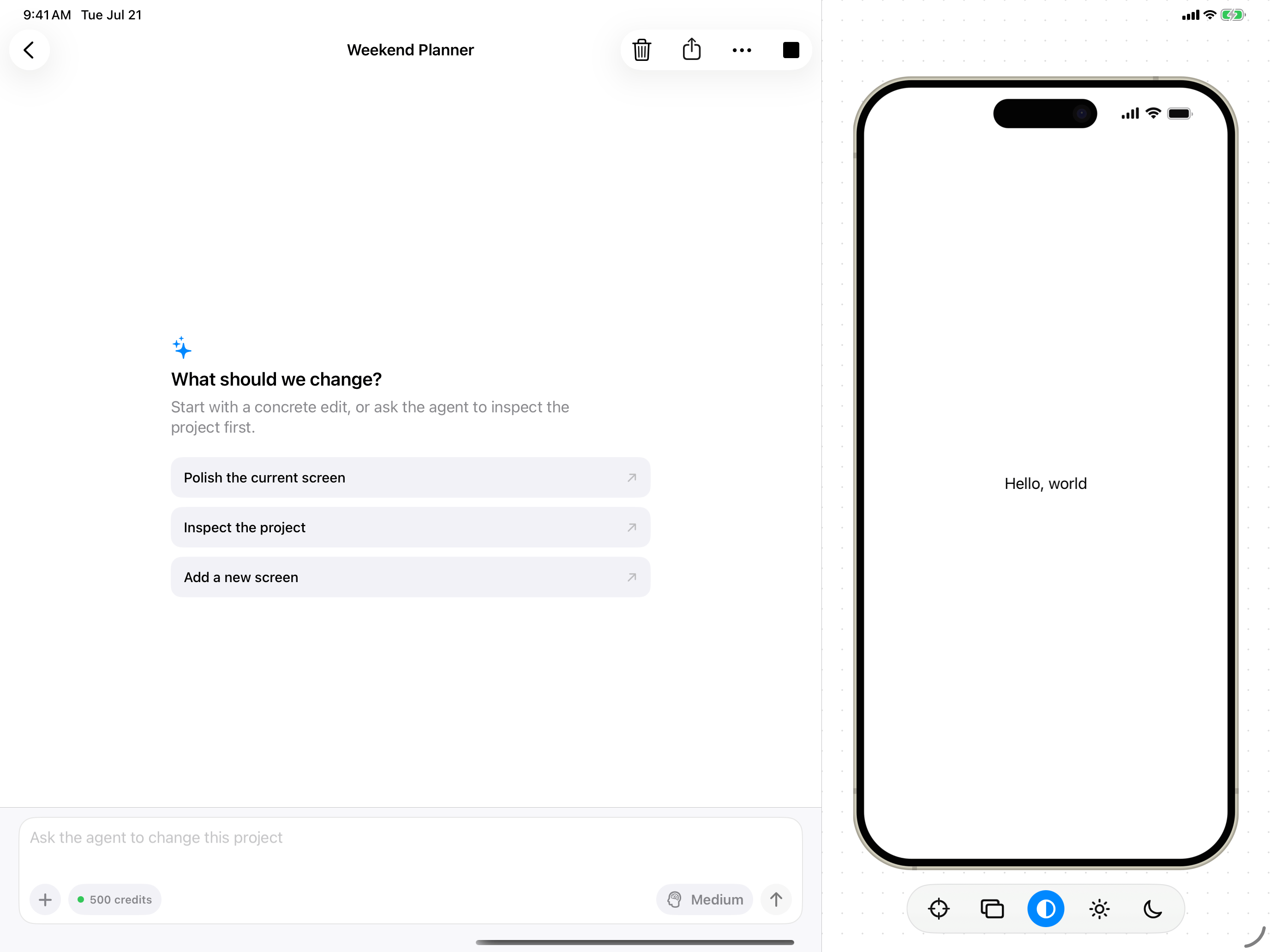
Open Publish and Share from the project toolbar
Share your current version
Open Publish and Share
Tap Publish and Share in the project toolbar.
Review what will be shared
Juno shares the version you have now. Changes you make later stay private until you share again.
Publish
Tap Publish to prepare the share link.
Send the link
Copy the link or use the system share sheet to send it.
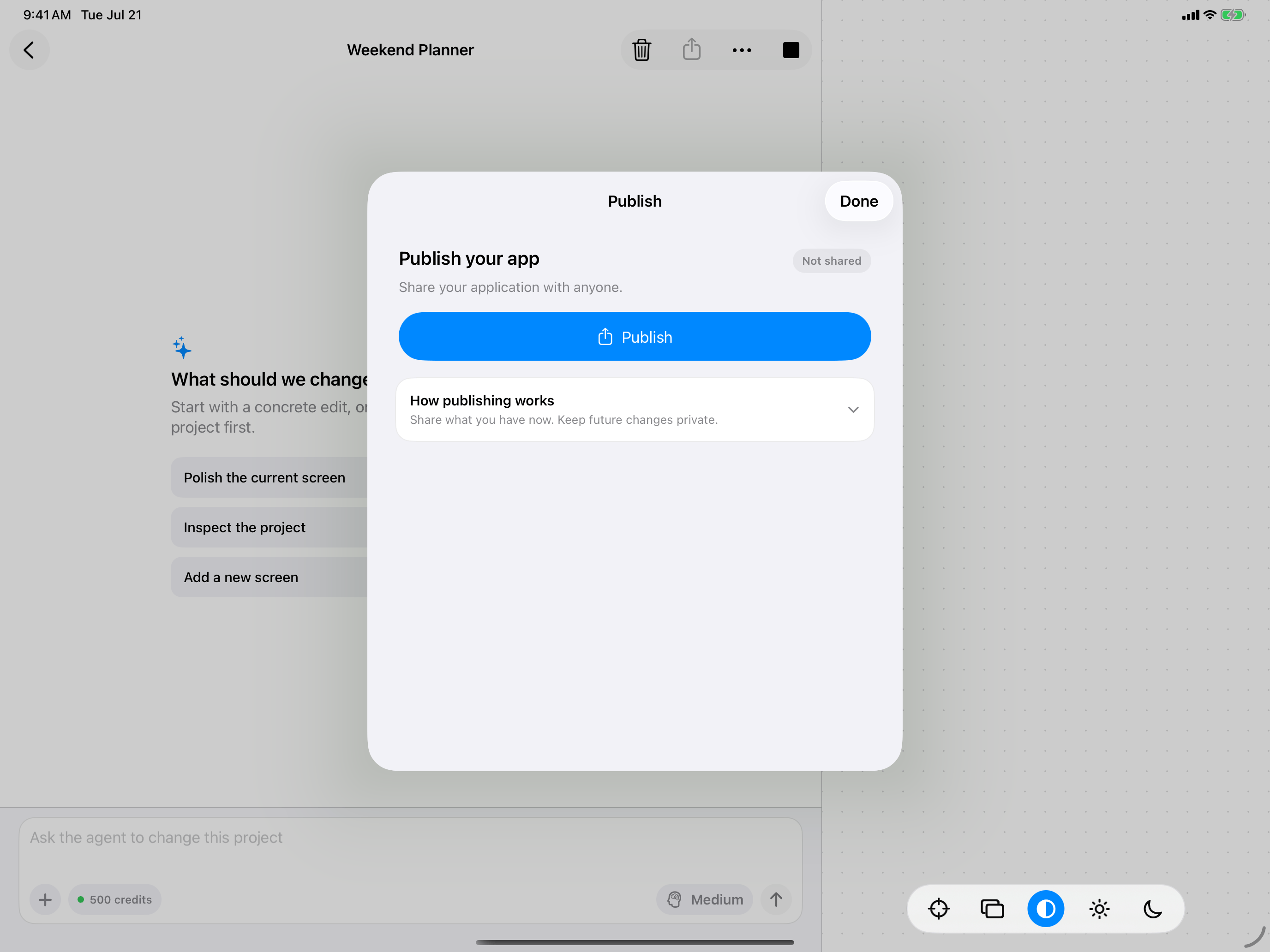
Review the current version before publishing
Open a shared project
When someone opens a Juno share link, the app appears in Shared. They can return to it from there later or add a shortcut for it to their Home Screen. See Launching Apps for Home Screen shortcuts and other quick ways to reopen an app.A share link shows the last version you published. It does not automatically include later changes.