

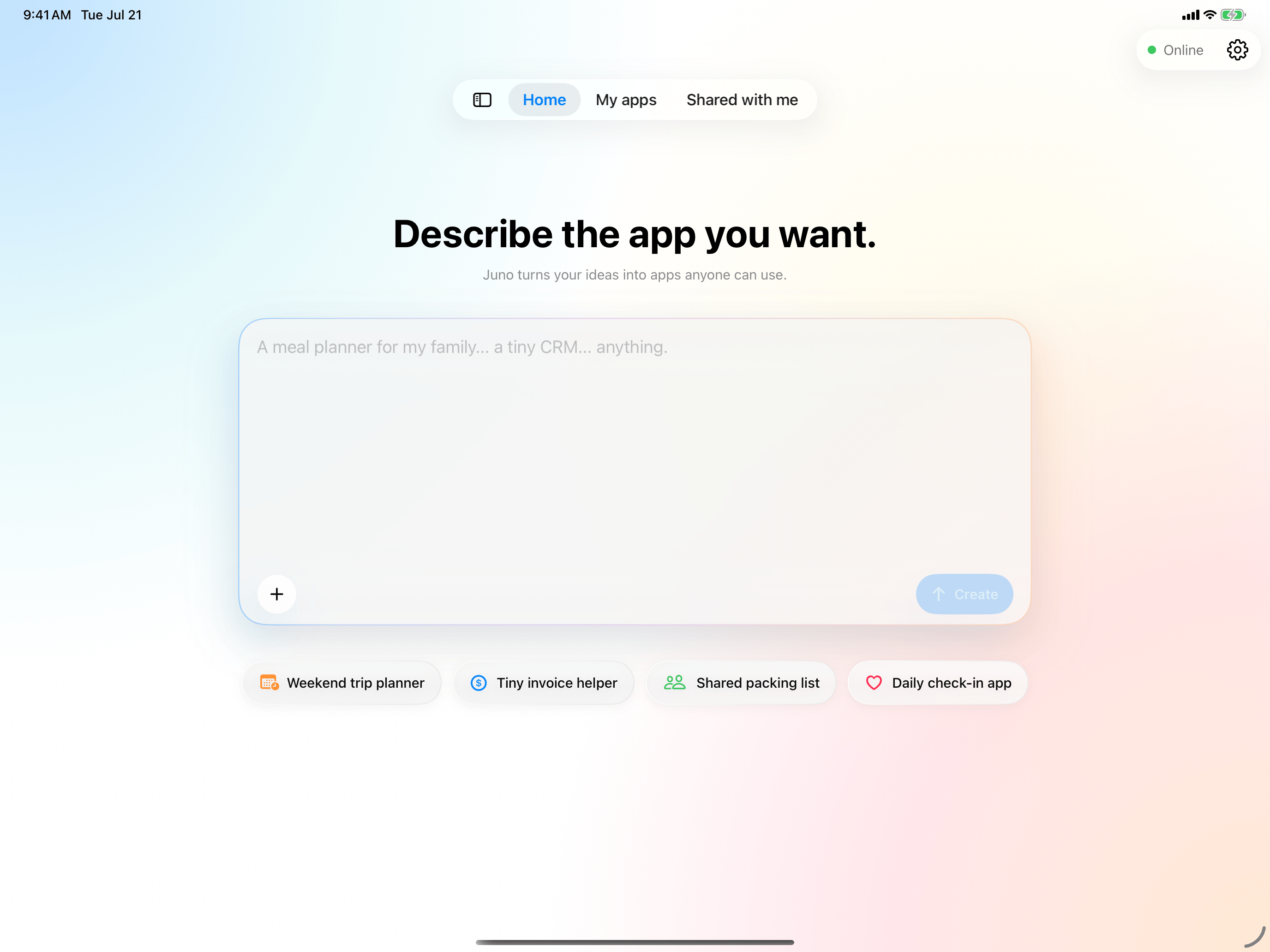
Juno is currently invite-only. Request an invitation before you start building.
Set up your account
1
Sign in
Use Sign in with Apple or Continue with Email. New email accounts must be verified before signing in.
2
Claim your invitation
Enter the invitation code you received and tap Claim. The invitation stays with the account that claims it.
3
Review AI data consent
Juno explains what may be sent to our AI providers. Choose Allow and Continue to enter the app, or decline to sign out.
Find your way around
- Home — start with an idea or choose a suggestion.
- My apps — find and manage the projects you created.
- Shared — launch apps you published and apps other people shared with you.
Create your first project
Start with a simple idea and see it take shape.
Work with the assistant
Learn how to ask for useful changes.