> ## Documentation Index
> Fetch the complete documentation index at: https://docs.buildinjuno.com/llms.txt
> Use this file to discover all available pages before exploring further.
# Sharing Projects
> Share a version of your project with another Juno user.
Sharing lets someone else open a version of your project in Juno.
 ## Share your current version
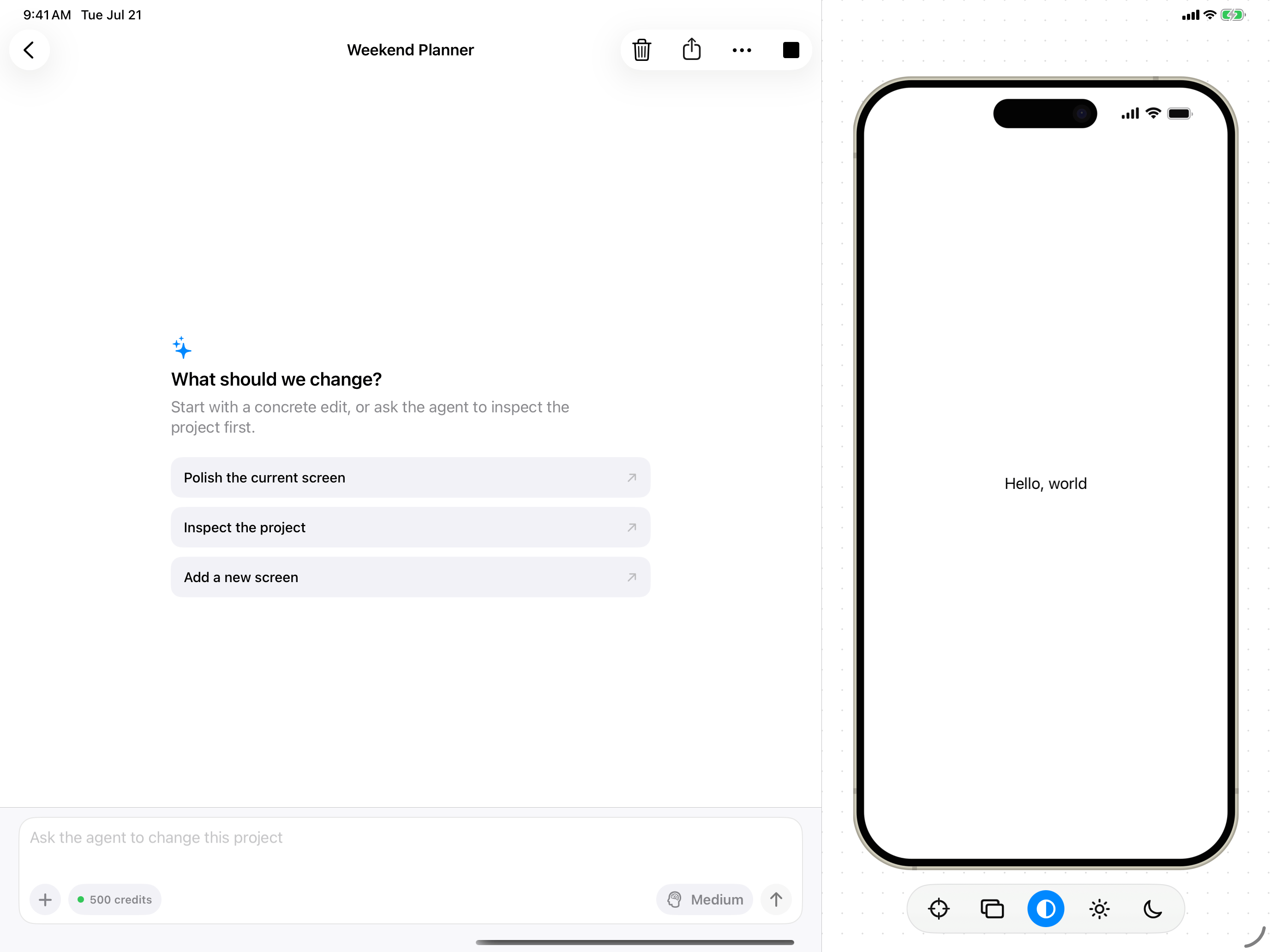
Tap **Publish and Share** in the project toolbar.
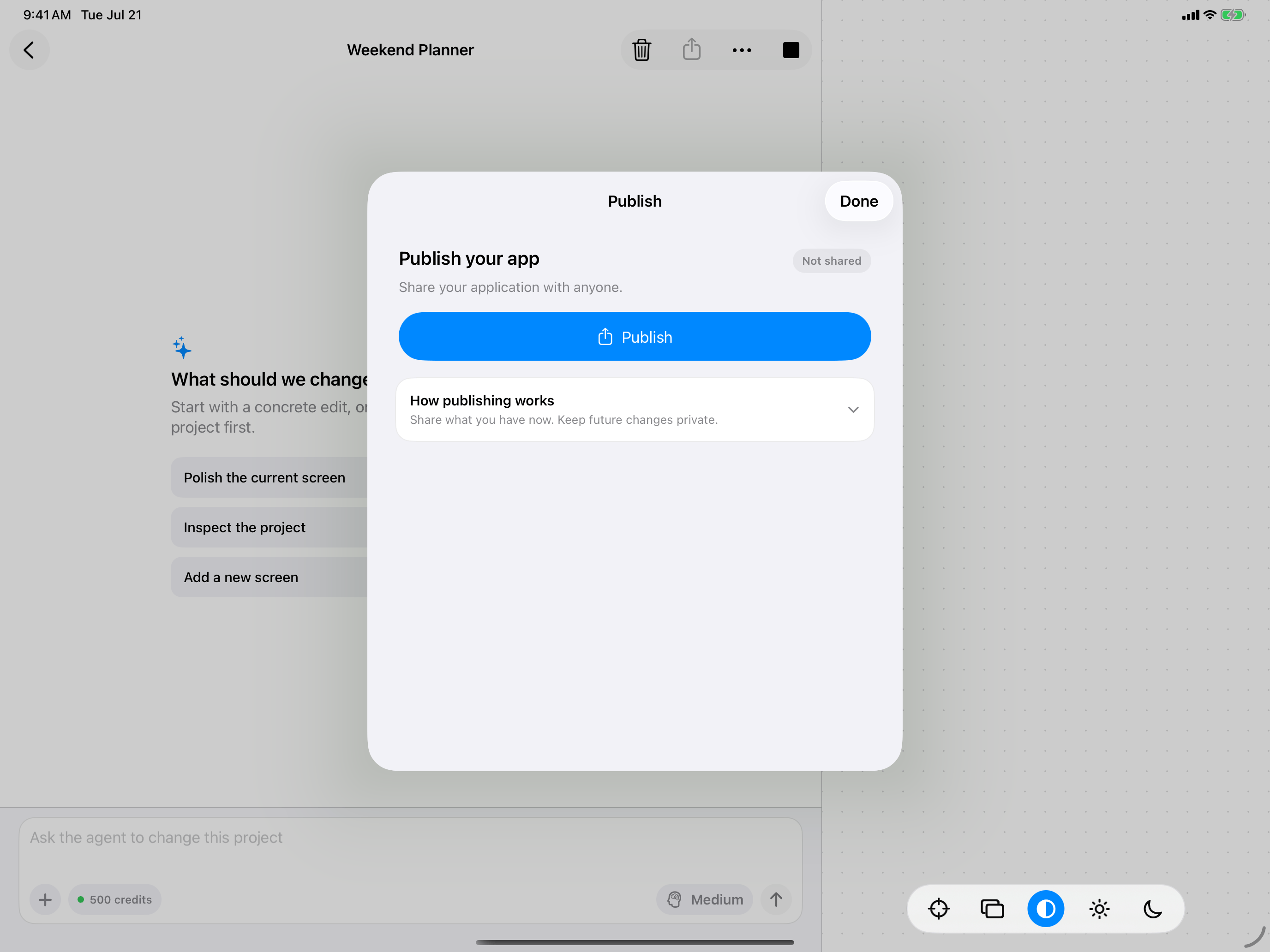
Juno shares the version you have now. Changes you make later stay private until you share again.
Tap **Publish** to prepare the share link.
Copy the link or use the system share sheet to send it.
## Share your current version
Tap **Publish and Share** in the project toolbar.
Juno shares the version you have now. Changes you make later stay private until you share again.
Tap **Publish** to prepare the share link.
Copy the link or use the system share sheet to send it.
 ## Open a shared project
When someone opens a Juno share link, the project appears in **Shared with me**. They can return to it from there later.
A share link shows the last version you published. It does not automatically include later changes.
## Open a shared project
When someone opens a Juno share link, the project appears in **Shared with me**. They can return to it from there later.
A share link shows the last version you published. It does not automatically include later changes.